
OBDLink RSS
How to Check Your Used EV's Battery Health with OBD2 — The Complete Australian Guide

🛠️ QUICK START GUIDE: OBDLink MX+

🛠️ QUICK START GUIDE: OBDLink MX+ All these apps work best with the OBDLink MX+ — the most compatible OBD2 adapter available, with AU stock and same-day dispatch from Melbourne. Buy OBDLink MX+ Now → View MX+ Bundle → Thank you for choosing Zedmotive.com.au – Your AU Diagnostic Experts STEP 1: INSTALL THE APP Scan the QR code on the product box or search "OBDLink" in the Apple App Store or Google Play Store. Download and install the free app before plugging in the device. STEP 2: CONNECT TO YOUR VEHICLE Locate your OBD-II Port: Usually found under the...
Understanding OBD2 Scan Tools: A Comprehensive Guide
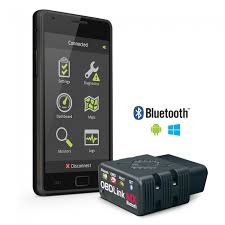
INTRODUCING THE OBDLINK APP
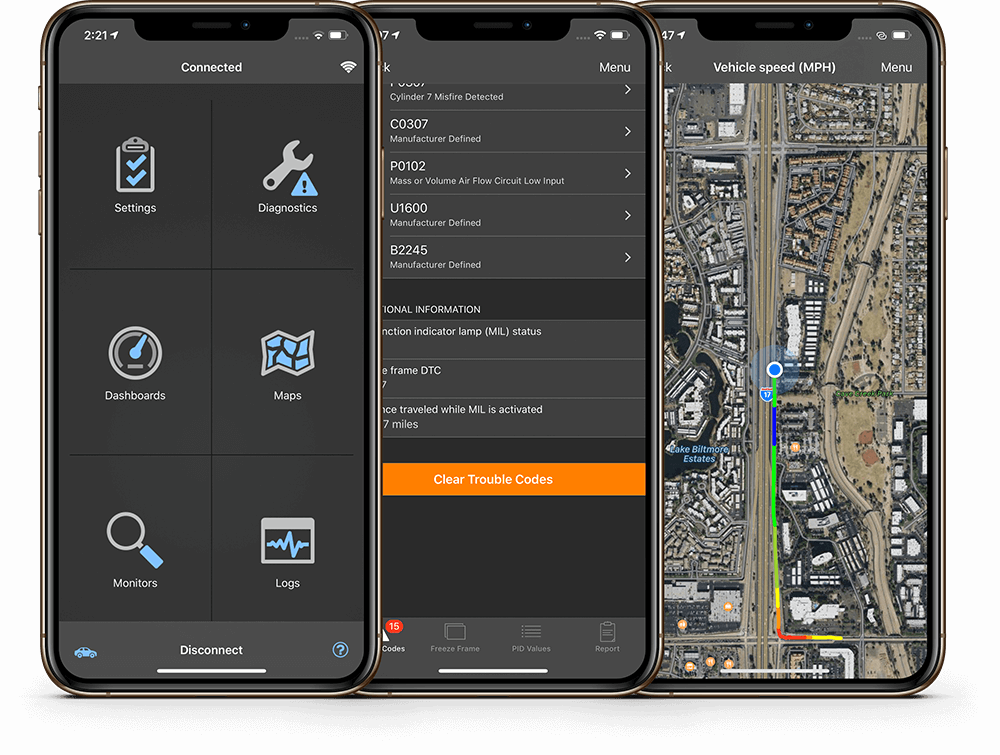
INTRODUCING THE OBDLINK APP The OBDLink app for iPhone, iPad, iPod Touch, and Android is included with your purchase of any OBDLink adapter. With robust diagnostic capabilities, the app can read diagnostic trouble codes (DTCs), and clear check engine lights. Access and display information from your car's many computer modules, perform OEM maintenance procedures, and map trips in real-time. You can also read live parameters, create virtual dashboards showing multiple vehicle sensors, estimate fuel economy, and more. The OBDLink App works with all 1996 and newer cars and light trucks sold in the United States, including all American, European, and Asian...
User Guide: OBDLink MX+
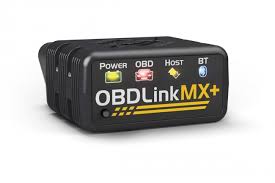
User Guide: OBDLink MX+Congratulations on your purchase of the OBDLink MX+! This user guide will walk you through the process of connecting the device to your vehicle using Bluetooth and using it with popular apps like Torque Pro and OBDLink App. Let's get started!Table of Contents:1. OBDLink MX+ Overview2. Connecting OBDLink MX+ to Your Vehicle 2.1. Bluetooth Connection3. Using OBDLink MX+ with Torque Pro4. Using OBDLink MX+ with OBDLink App1. OBDLink MX+ Overview:The OBDLink MX+ is a versatile OBD-II diagnostic tool that allows you to connect your vehicle's onboard computer (ECU) with various mobile devices. It supports Bluetooth connectivity and...

